Choosing the Right Form
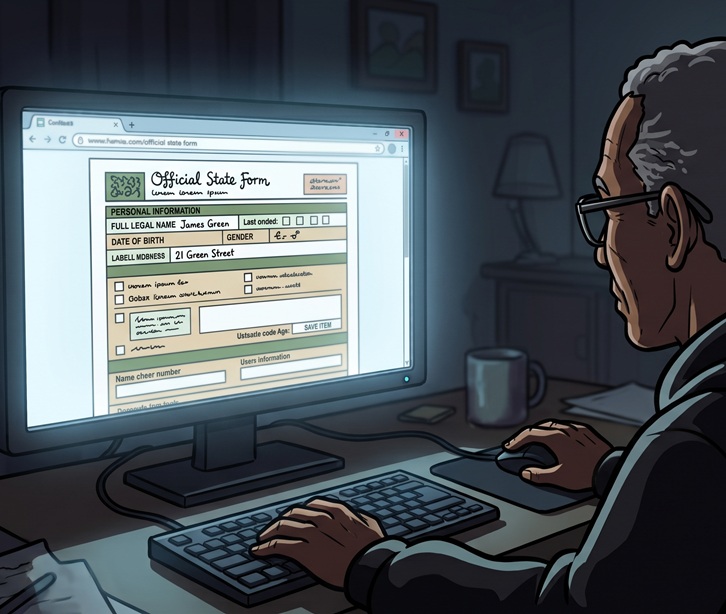
Every day, Delawareans visit state agency websites to access critical services, apply for benefits, make payments, or submit required documentation.
While it might seem like an administrative detail, selecting the appropriate type of form can be the difference between efficiency or frustration for your visitors.
It will also determine the level of protection and security being offered to those submitting personal information.
The GIC recommends using one of the following three types of forms for your agency website, depending on the circumstances.
Choose Go DE when:
- There’s private or sensitive information being collected
- You’re providing a product or service to residents/visitors
- You need to provide status updates on an application or request
- Payment may be required (this is optional)
To create a Go DE form:
Submit a request through Go DE Requests to schedule an assessment with the team.
For more information about Go DE visit: https://dti.delaware.gov/go-de/
Choose MS Forms when:
- You’re collecting data internally between agencies
- You’re comfortable creating the form yourself (please see best practices*)
To create an MS Form:
Go to the Microsoft Forms page. You will need to enter your work email and password to log in to your staff Microsoft account.
*Be sure the form you create adheres to accessibility requirements; MS Forms offers many customizable style templates that do not meet these standards and should be avoided.
Choose Formstack when:
- No payment is needed
- No private or sensitive information is being collected
To create a Formstack form:
Submit a Website Maintenance Request to request a concept review by our team. Be sure to include the goal of your form and the questions you’d like to include. We’ll collaborate with you from that starting point to make sure your form is as effective as possible.
When agencies intentionally select the best form type, they reduce frustration, decrease support calls, and build trust within our Delaware communities.